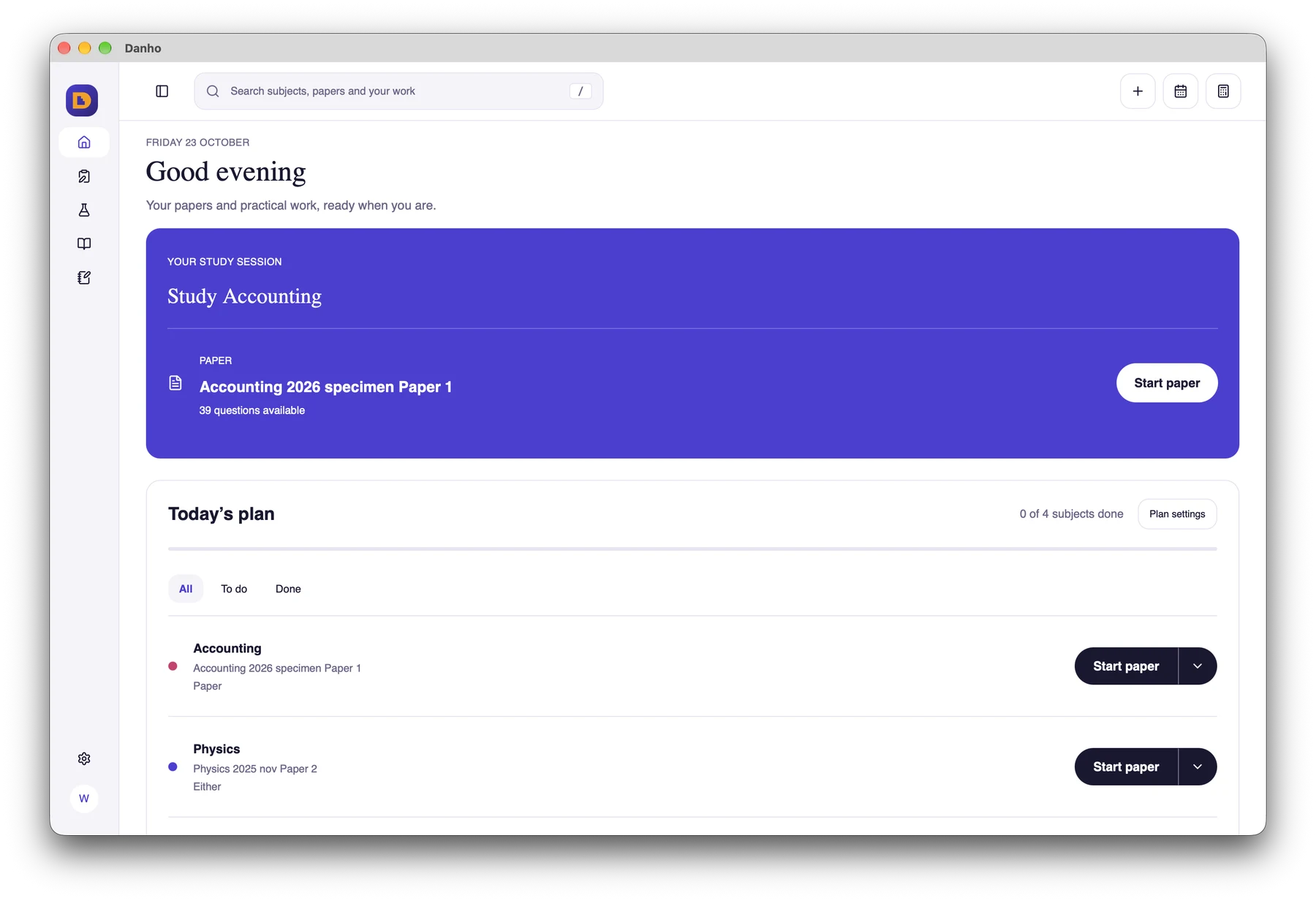
Danho brings past papers, revision notes and practical experiments to your study sessions. Choose the phone or desktop edition for the work you want to do.
Use your phone for paper practice and your computer for practical investigations and longer study sessions.
01 · Commute and short breaks
Quick review drills on phone
Choose a paper or topic for a short practice session. Review your answers and return to questions that need more attention.
Paper practice and answer review
02 · Desk and laboratory hours
Virtual labs on computer
Work through practical instructions, operate apparatus and take readings. Use recorded results to explore relationships and interpret your observations.
Apparatus, readings and interpretation
03 · Final exam readiness
Plan, write and revisit
Organise your study sessions and keep notes in your own words. Return to papers and practical work to build on what you have learned.
Study planning and personal notes
Choose your platform
Check compatibility details and feature availability for your setup
Everything you need to know about setting up Danho on your phone or desktop computer.
How do I get the desktop trial?
Choose the macOS or Windows edition when its verified installer is available. Your 45-day trial begins when your email is first approved. Sign in with your email and enter the code sent to you.
Does my work sync between phone and computer?
Automatic sharing of study history between phone and desktop is not currently offered. Keep your work in the edition where you created it.
Where can I use the virtual practicals?
The desktop edition includes interactive apparatus, readings and practical guidance. You can also try three related syllabus investigations in your browser from the homepage.
Which levels and subjects can I study?
Danho supports ZIMSEC O Level and A Level. Browse the subject directory to see the papers and resources available for each subject.
Danho is an educational aid developed independently by Invalcre to support student revision. It is not officially endorsed or certified by ZIMSEC.